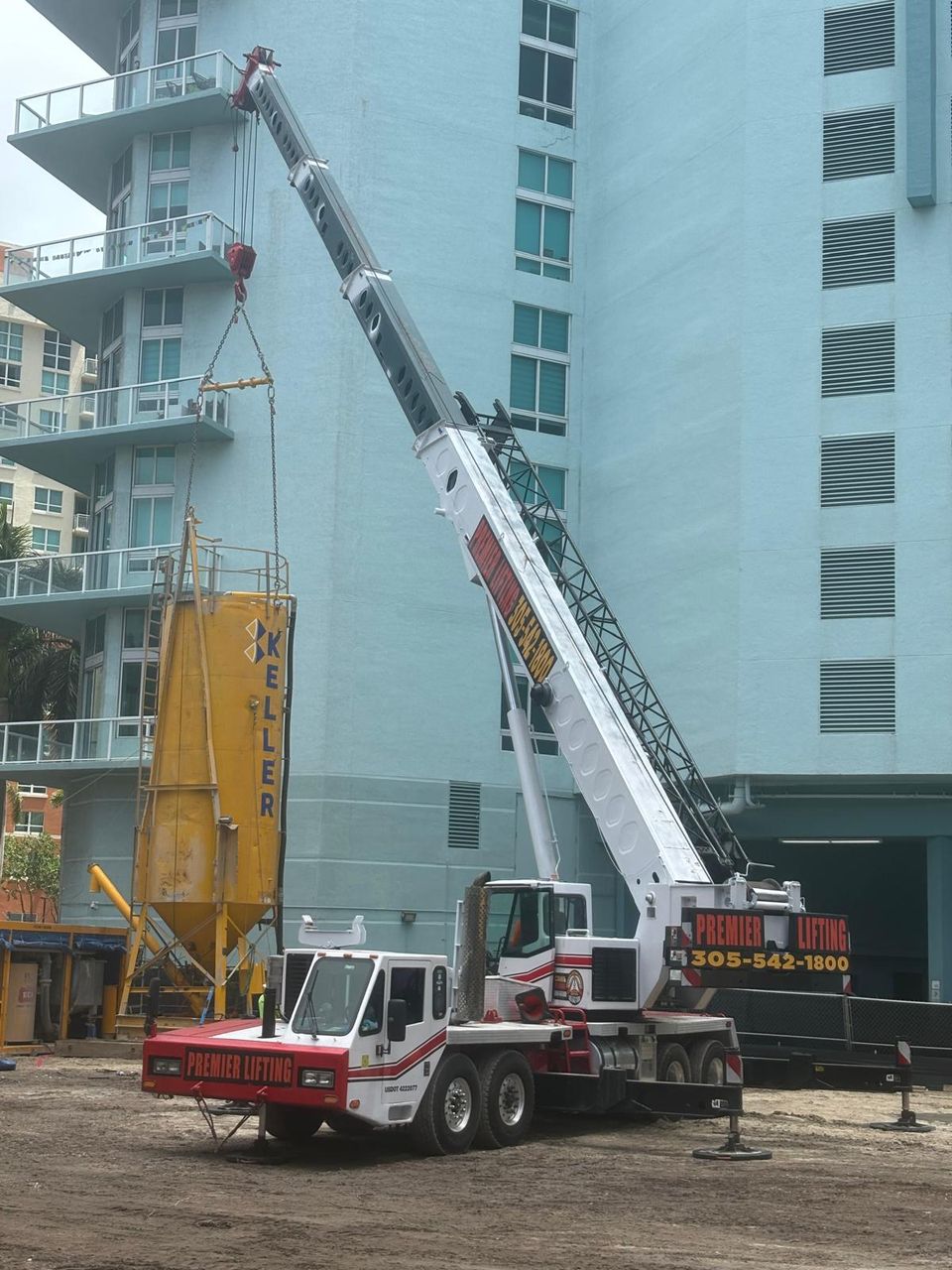
PROFESSIONAL LIFTING CRANE & RIGGING SERVICES in MIAMI FL
Expert personnel, state-of-the-art equipment, and professional gear for all your industrial lifting needs. Licensed, insured, and ready for any challenge.
Send your payment safely through your bank using Zelle. Use the recipient email below and include your invoice/job reference in the memo.
Tip: After sending, reply to your PLS email thread with the confirmation, or text your coordinator for faster scheduling.
Scan to capture the recipient email with your amount & memo as a note. You’ll still complete the payment inside your banking app.
If you prefer to pay by card or ACH/eCheck instead, contact our office and we’ll send a secure checkout link.
Dispatch/Billing: (305) 542-1800

"Working at PLS has been a great experience. The company takes safety seriously, provides the right equipment, and makes sure we’re supported on every project. It feels good to be part of a team that looks out for one another."

"I’ve been in this industry for a while, but PLS stands out. The leadership is approachable, and the crew works together like family. Every day I know I’m learning something new and contributing to projects we can all be proud of."

"What I love most about PLS is the teamwork and respect. Everyone has a voice here, and we celebrate wins together. It’s motivating to work for a company that values its people as much as its clients."

Send your payment safely through your bank using Zelle. Use the recipient email below and include your invoice/job reference in the memo.
Tip: After sending, reply to your PLS email thread with the confirmation, or text your coordinator for faster scheduling.
If you prefer to pay by card or ACH/eCheck instead, contact our office and we’ll send a secure checkout link.
Dispatch/Billing: (305) 542-1800
Secure checkout powered by GoDaddy. Use credit/debit card, Apple Pay, or Google Pay.